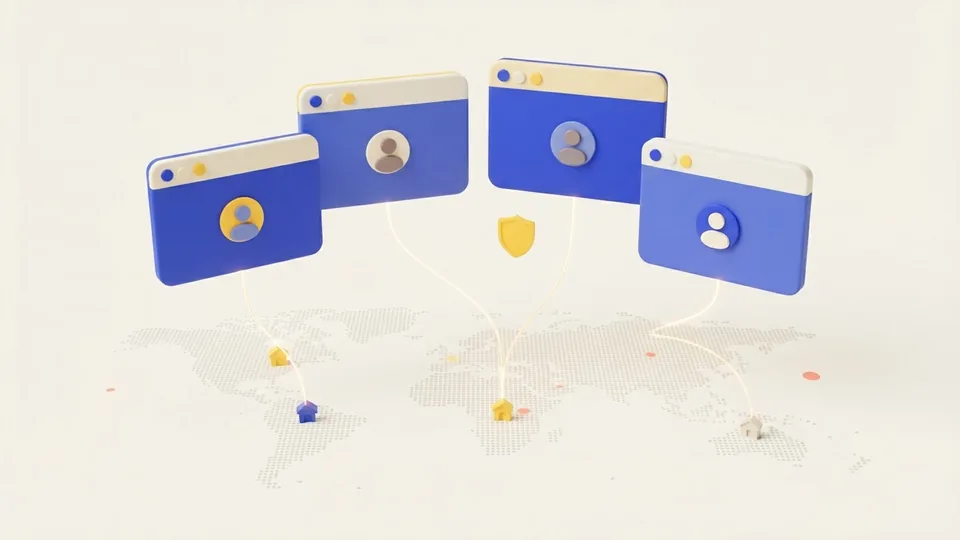
Why profiles need residential proxies
Sites that watch accounts compare the IP with the browser fingerprint. A data center address gives automation away at once, and a rotating list changes the IP on every request, so the account sees dozens of logins from different places. A profile needs one home address for the whole session.
The Max residential pool gives addresses of real home devices in 220 countries. The site sees an ordinary visitor on a home ISP, not a server.
One line per profile
In the panel you create sticky lines: each holds its own session and its own IP. Ten lines give ten different addresses at once, so every profile gets a line of its own and no two profiles ever share an address.
The session length goes from 3 minutes to 24 hours. Set it no shorter than the working day of the profile, so the IP does not change in the middle of the work. To give a profile a fresh address, create a new line for it.
Geo that fits the profile
The fingerprint and the IP should tell one story: time zone, language and country match the address. On Max you pick the geo like this:
- the country, then a region or a city (not both at once);
- the ISP by ASN when a specific carrier matters;
- the device type: Windows, Android, iOS or Mac, to match the profile operating system.
How to add a line to the browser
Each line has the form host:port:username:password. In the profile proxy settings pick the HTTP type and paste the whole line, or fill in the host, port, username and password fields. Chromium browsers do not send a login over SOCKS5, so keep SOCKS5 for scrapers and scripts.
AdsPower, Dolphin Anty, GoLogin, Multilogin, Octo Browser and other anti-detect browsers take the proxy this way. After you connect, open an IP check site in the profile and confirm that the country and city match your choice.
What to avoid
- One line for several profiles: they share an IP, and the site links the accounts.
- Unlimited packages: their addresses rotate and serve many customers at once.
- Start for profiles that need a city: it targets the country only.
- Short sessions for long work: the IP changes and the site asks you to log in again.
An IP can change before the session ends if the home device leaves the network. Keep a fresh login ready in the profile, or create a new line with the same geo.
What it costs and how to test
Traffic is billed per gigabyte, and the price per GB drops with volume. The full table is on the residential proxies page. Usage depends on the sites: pages with video and large images spend more.
To test, buy 1 GB of Max for $2.29. The traffic lasts 3 months, so check the profiles on your own accounts without a rush and scale up once you are sure.